Help starts here.
Find clear guidance for setup, daily use, orders and returns.
Where would you like to start?
Choose a topic to go directly to the relevant page.
Find your answer.
These answers follow the current setup and app guides.
Open the illustrated setup guide ↗How do I set up Umay Feeder Smart X?
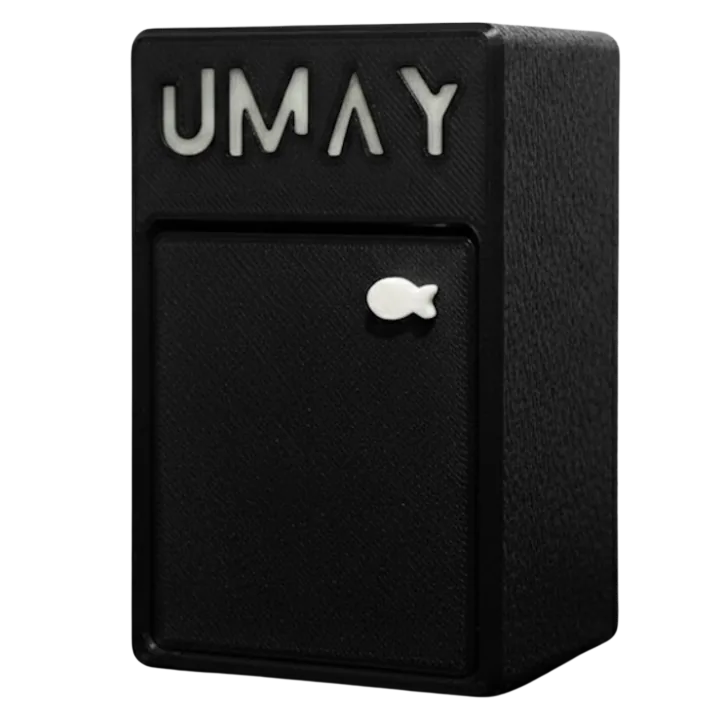
Check the parts in the box. Fasten the U-shaped mount to the two feet under the device, then fit it to the aquarium glass. Connect the USB Type-C cable to a 5 V adapter supplying at least 2 A and add suitable fish food. The illustrated steps are in the setup guide.
The app cannot find my device. What should I check?
Make sure the device has power, turn on your phone’s Bluetooth and keep the phone near the device. Find “Umay Feeder” in the device list and tap “Bağlan” (Connect). Then enter your 2.4 GHz Wi-Fi details.
Which Wi-Fi network should I use?
Select a 2.4 GHz Wi-Fi network during setup. Enter its name and password in the app, then tap “Umay’ı Kaydet” (Save Umay).
How do I feed manually in the app?
Open your device from “Cihazlarım” (My Devices). On “Kontrol” (Control), choose the number of portions, tap “Yemle” (Feed) and check the result on screen.
Where can I schedule automatic feeding?
Open the “Plan” tab in the device details. Enable the meals you want, set the time and portions for each, then tap “Kaydet” (Save).
Where can I track my order?
Sign in and open “My Orders” to see your orders. For a delivery question, email us with your order number.
How do I request a cancellation or return?
Read the “Cancellation and Returns” page for the conditions. Send your request with your order number to [email protected] and our team will guide you.
No questions match your search. You can contact us below.
Let’s solve it together.
Still need help? Contact us about your product or order.
Working hoursMonday–Friday 09:00–18:00 · Saturday 09:00–16:00 · Sunday closed (Türkiye time)
AddressHacı Bektaş Veli University, Kapadokya Teknopark No:13, Door No:133, Block C, 50100 Nevşehir Merkez/Nevşehir, Türkiye
Request a call
Leave your name and phone number; we will contact you during our working hours.